Text + Image = Cool Designs 🎨
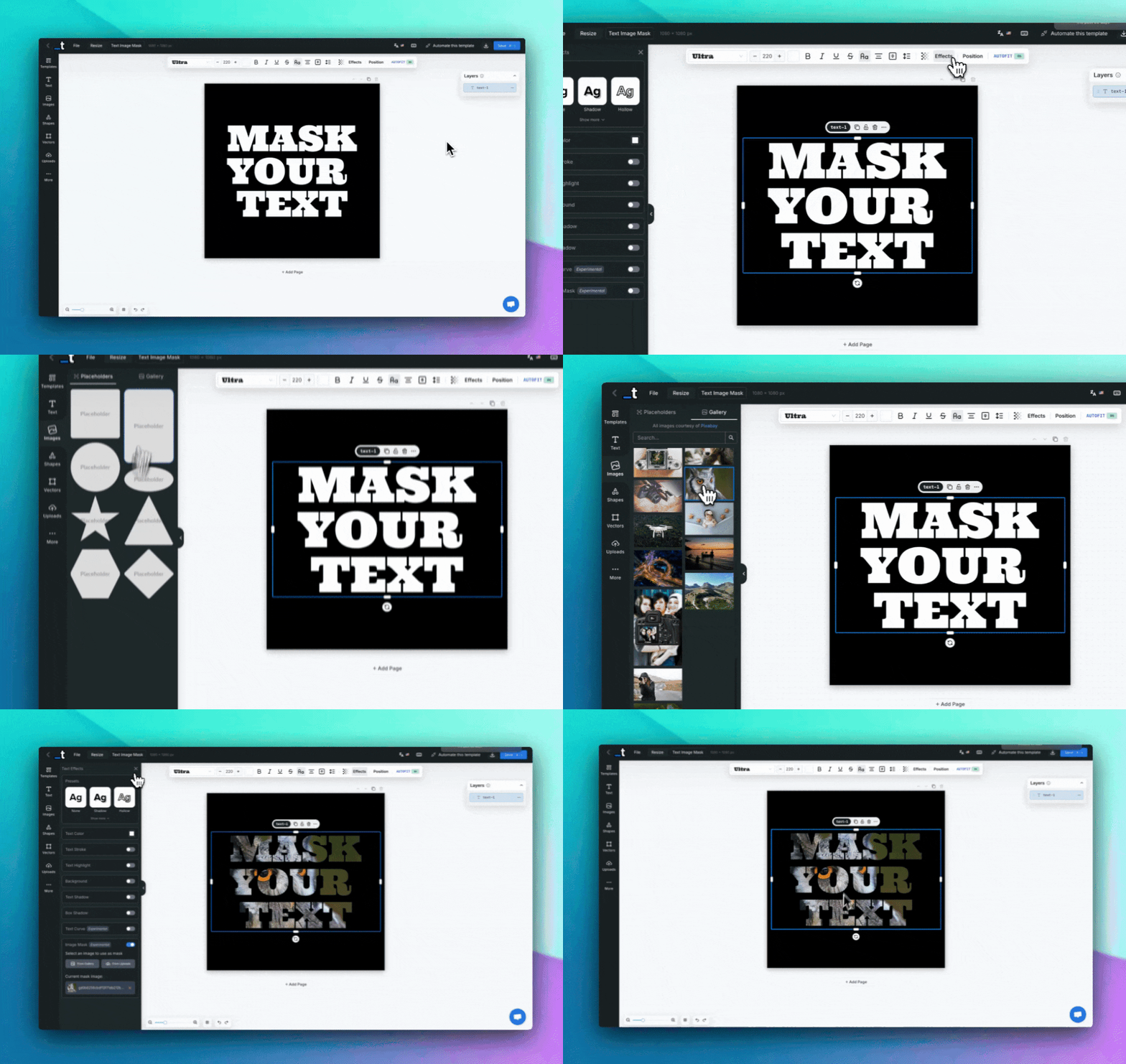
We've added an exciting new Image Mask feature to our text effects arsenal for all our creative users!
Transform your text into stunning visual elements by applying any image as a mask. Your text will take on the colors, textures, and patterns of the selected image, creating eye-catching designs that stand out.
It's especially powerful when you want to create dramatic text effects with photos, textures, or artistic patterns without complex design software.
You can apply image masks to any text element in the Editor by accessing the Text Effects panel and enabling the Image Mask option.
We currently support these actions:
• Enable/Disable Image Mask (Toggle on/off)
• Select from Gallery (Choose from our curated collection)
• Upload Custom Images (Use your own photos and textures)
• Preview Current Mask (See which image is applied)
• Remove Mask (Clear and restore original text styling)
If you have any suggestions on what other mask effects we should add to the feature, please let us know in chat!
We have a bunch of improvements and new functionalities cooking for this week, so stay tuned! 👀
Until the next one,
Pedro