Meet the AI Assistant - Edit your templates just by asking ✨
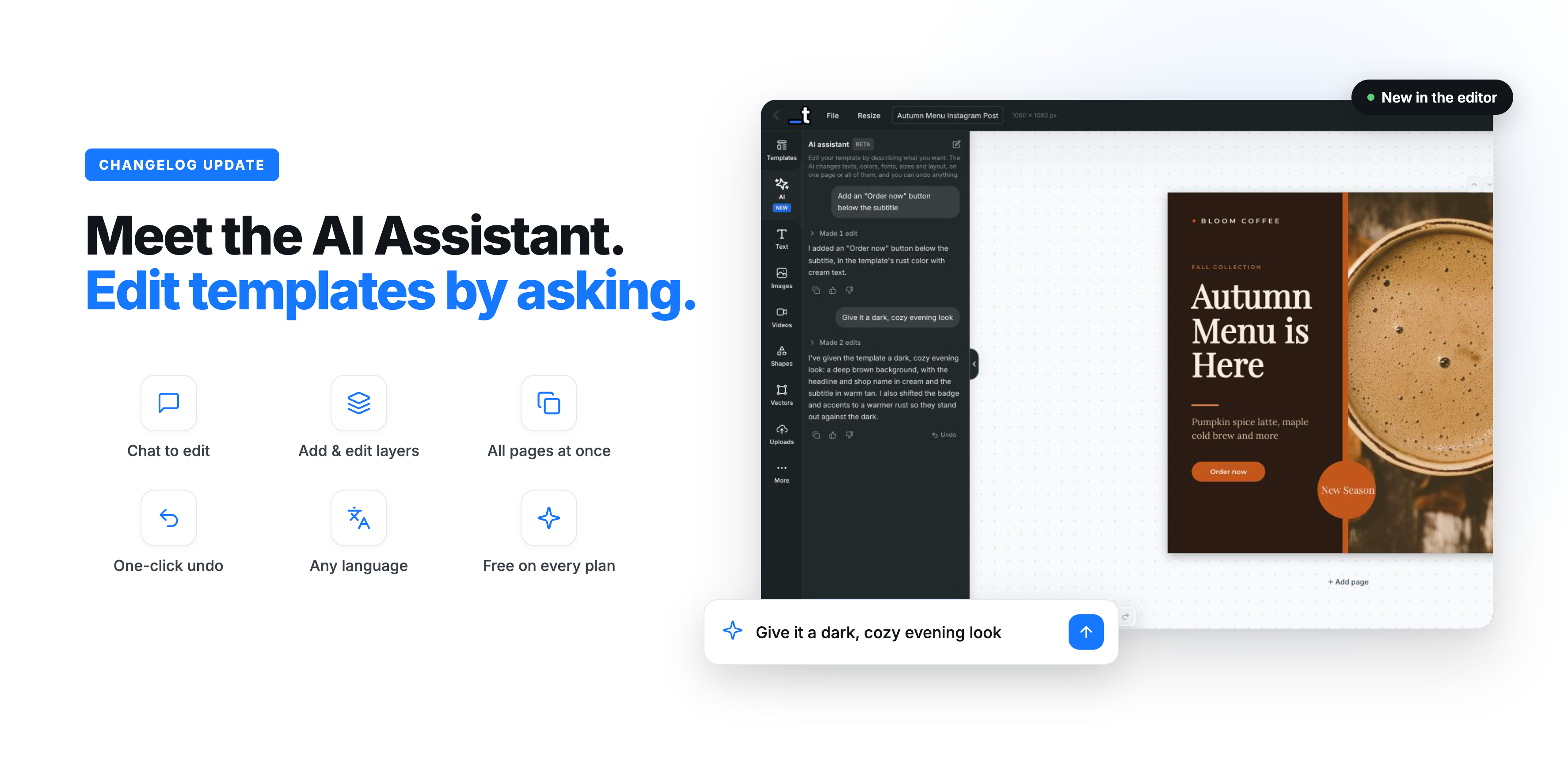
Hey everyone! This update is all about one feature, and it changes how you work in the editor. Meet the AI Assistant: a chat right inside the editor where you describe what you want and watch your template change in real time. Let's dive in ⬇️
Edit your template by chatting
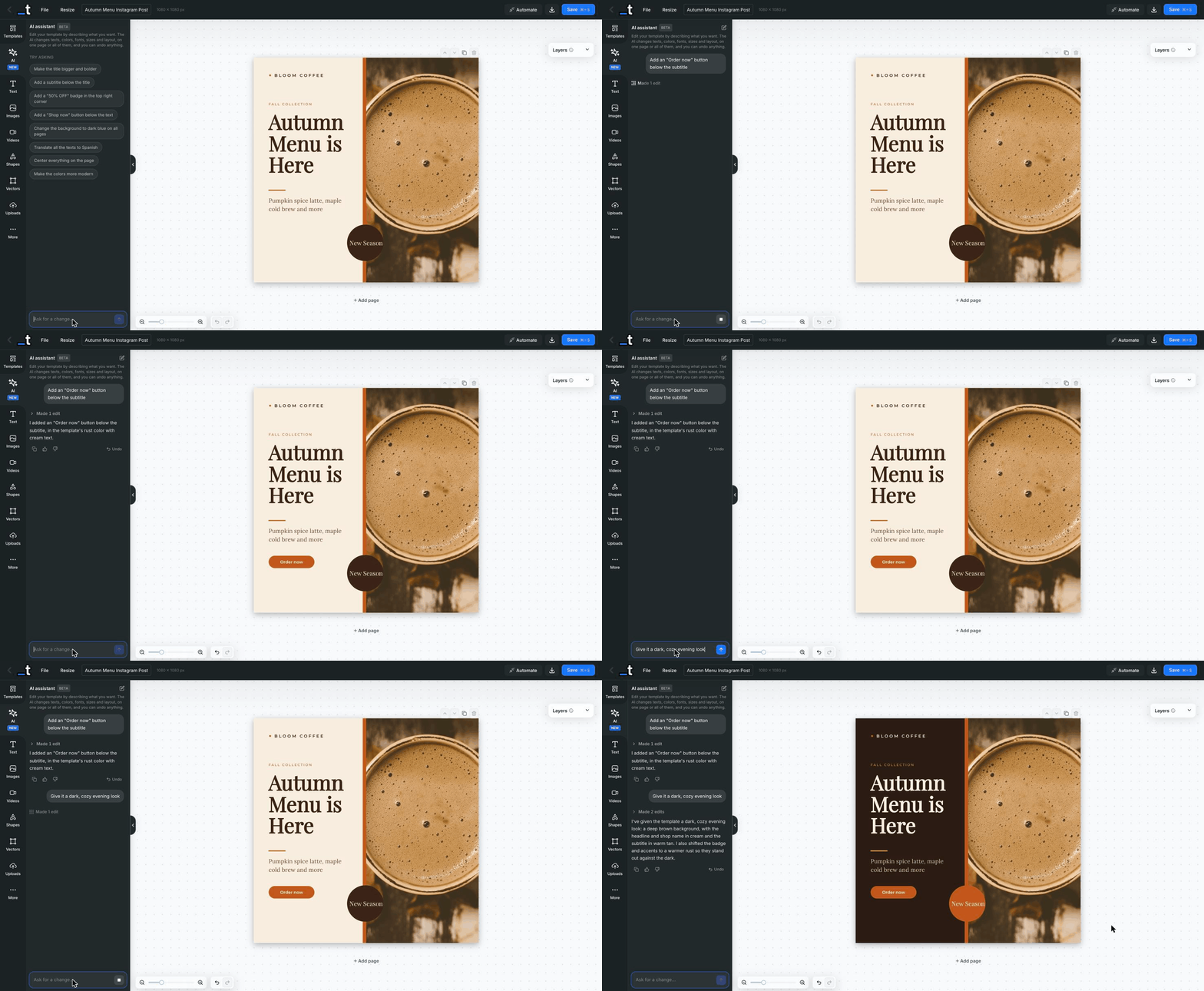
Open the new AI tab in the editor sidebar, type what you want, and the assistant does it for you. No more hunting for the right panel or nudging layers pixel by pixel. Ask for "an Order now button below the subtitle" or "a dark, cozy evening look" and it's done in a few seconds.
The assistant knows your template: its layers, texts, fonts, colors and positions, and whatever you have selected. Select a layer and say "make this bigger", and it knows what "this" means. It also keeps your design tidy, resizing text boxes when text grows and matching the colors and fonts you already use.
Change texts, colors, fonts, sizes, alignment and positions
Add new text, shape and image layers, or remove the ones you don't need
Reorder layers and change page backgrounds
Ask questions about your design without changing anything
Write in your own language, and it answers in it
One page or all of them
Working on a carousel or a multi-page document? Ask for a change on "all pages" and the assistant applies it to every page, matching each page's own layers. Perfect for keeping a social media kit consistent: a new brand color, a new font or a new background, everywhere at once.
You're always in control
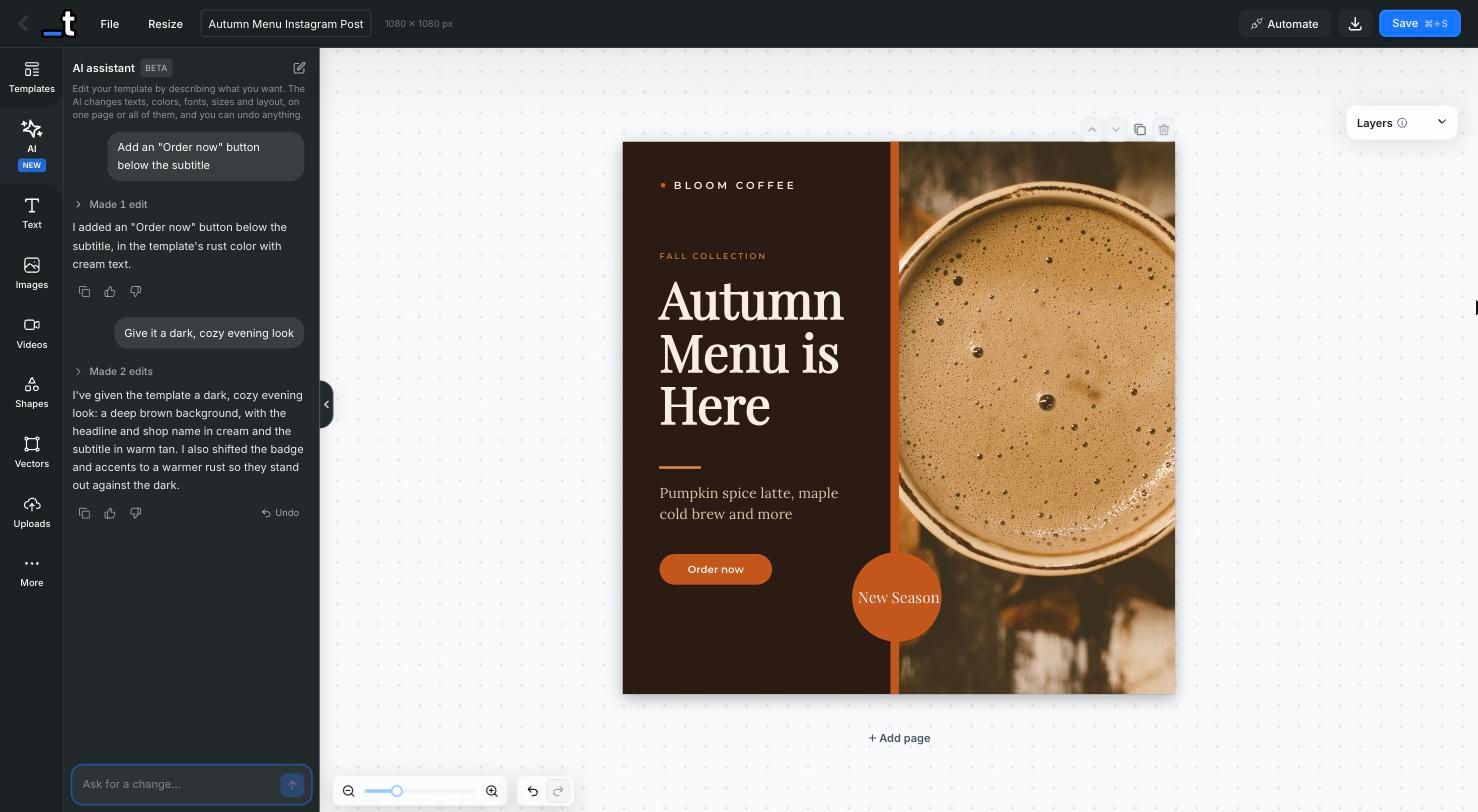
Every answer is a single undo step. Don't like the result? Click Undo on the message or press Cmd/Ctrl + Z, and your template goes back to how it was. Nothing is saved until you click Save, so you can experiment freely.
The panel stays open while you click around the canvas, and the canvas zooms to fit right next to it, so you always see the whole design while you chat.
Free on every plan
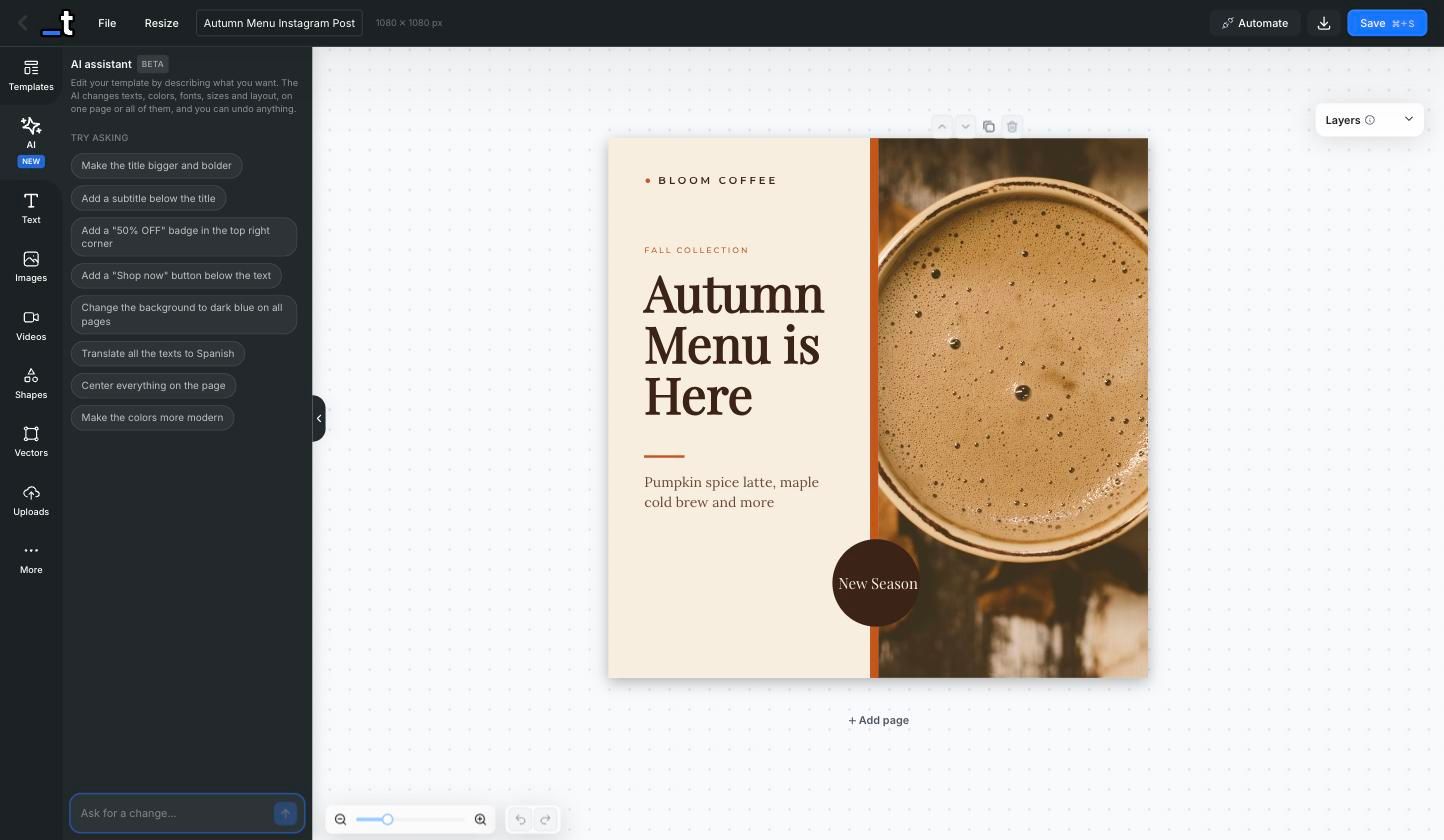
The AI Assistant is included in every plan, including Free, and it doesn't use your render credits. Not sure where to start? The panel suggests a few prompts. Some of our favorites:
"Add a "50% OFF" badge in the top right corner"
"Translate all the texts to Spanish"
"Change the background to dark blue on all pages"
"Make the colors more modern"
It's in beta, so your feedback makes a real difference. Use the 👍 / 👎 buttons under each answer, or just reply to this post and tell us what you'd like it to do next.
Until the next one,
Pedro @ Templated